
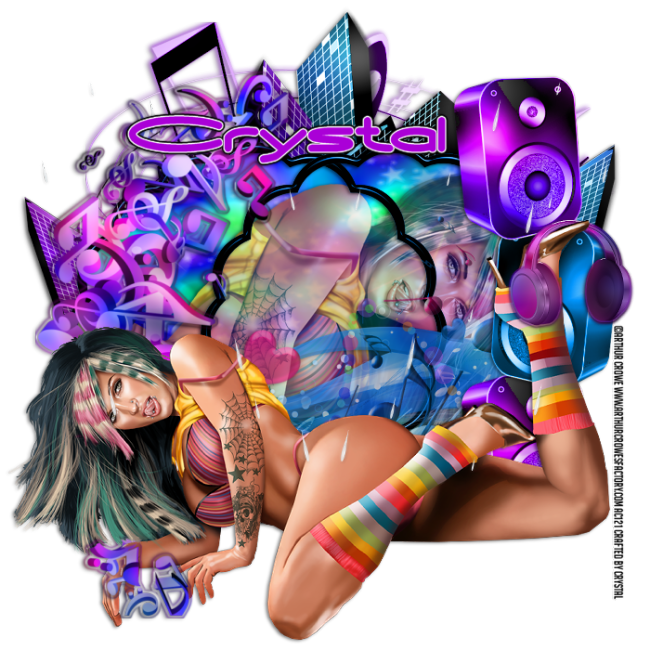
This tutorial was written by Myself
on April 6th, 2012.
*Updated on January 27, 2026*
Supplies:
Tube is by Arthur Crowe
Scrap Kit~ DJ Love by Bibi's Collection
Drop Shadow:
1/-2/50/5/Black
Canvas Size:
700x700
C&P Elements:
*57...Slide up some on the canvas
*10...RS 55%...Duplicate/mirror...Merge down
MW...Click inside frame sections...Add New Raster
C&P paper 2 into selection...Deselect
*89...RS 75%...Place behind the frame
*Close Up of your tube...RS if needed place under the frame
lower Opacity 72%
*Place your full body tube where you like.
Now for some elements:
*62&63...place behind you main tube...I stacked a bit
topsey turvey for a fun look
*42...RS 65%...place behind speaker elements...Opacity 62%
*17...Mirror...Free Rotate/90%/Right
Click on the main tube layer Select/Float/Defloat... click on the cluster of music notes
and erase anything in the selected area...I left a small layer
by her hand to have it look like it was coming from behind.
*32...RS 65%...place behind the cluster of music notes...slide to the right and mirror
*69...RS 65% x2...place place on the tubes foot...erase
just enough for the look of it resting on her shoe
Add your name, Copyright info and Watermark
Re-Size your tag if you want to and you are done
No comments:
Post a Comment